
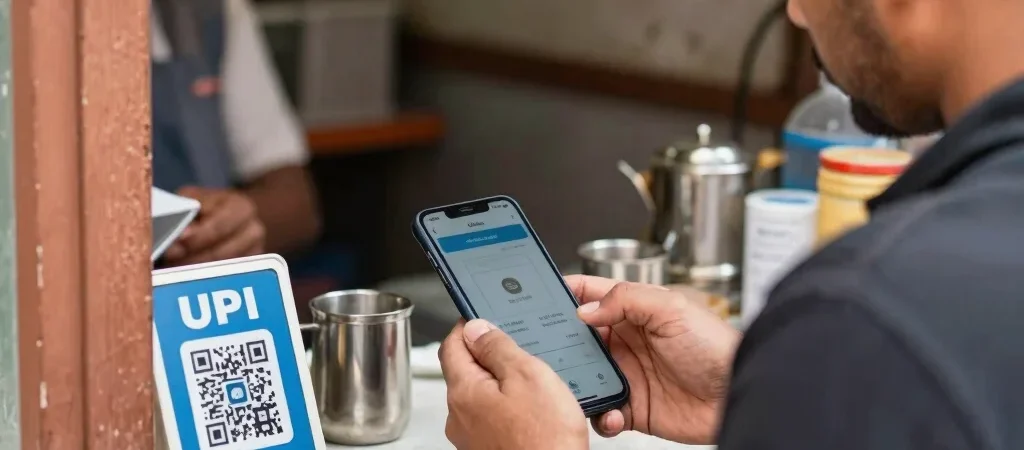
At a tea stall or pharmacy, a UPI payment that spins without a clear answer can hold up the queue. The first instinct may be to scan the QR code again, but a second attempt can create another debit if the first one eventually goes through. Take a moment to check the transaction status instead.
Check the transaction first
Open the payment app’s transaction history and look for the specific payment, rather than relying only on a notification. Check whether it says successful, pending, or failed, and compare the amount and recipient details with the payment you intended to make. If the status is unclear, avoid making another payment until you can confirm what happened.
Keep a clear record
Save the transaction reference or take a screenshot of the status for your own records. If money appears to have left your account but the merchant has not received it, contact your bank or payment app through its official help channel and share the reference. Never share your UPI PIN or an OTP with someone claiming they need it to reverse a payment.
Make the next step simple
For an in-person purchase, calmly tell the merchant what your app shows and agree on whether to wait or use another payment method. Check your bank statement and the app again before treating the matter as settled. A useful rule: confirm the first transaction before starting a second one.